Guide · Updated 19 Nov 2026
Best Monitors in Malaysia 2026: Work, Gaming and Mac Picks
Pick a monitor by what you do on it, then by how deep your desk is. Here are the picks for work, gaming and MacBooks with today's official prices, what 144Hz really means, and which brands replace a screen for one dead pixel.
11STREET.MY
INDEPENDENT SHOPPING GUIDE · MALAYSIA
A good monitor does more for your workday than most laptop upgrades, and it’s cheaper. The best monitor Malaysia shoppers can buy depends on two things: what you do on it (work, games or a MacBook) and how deep your desk is. Here are the picks for each, with official prices checked on 19 November 2026, plus the dead-pixel rules most guides skip.
Short answer
Work: the Dell 27 Plus QHD S2725DSM (RM739). Gaming: the MSI MAG 275QF E20 (RM689). One cable for your laptop: the Dell Pro 27 Plus P2725DE (RM1,409). MacBook: the Dell UltraSharp U2725QE 4K (RM2,939). Whatever you buy, check it for dead pixels on the day it arrives, because some brands only replace within 7 days. Prices checked 19 November 2026.
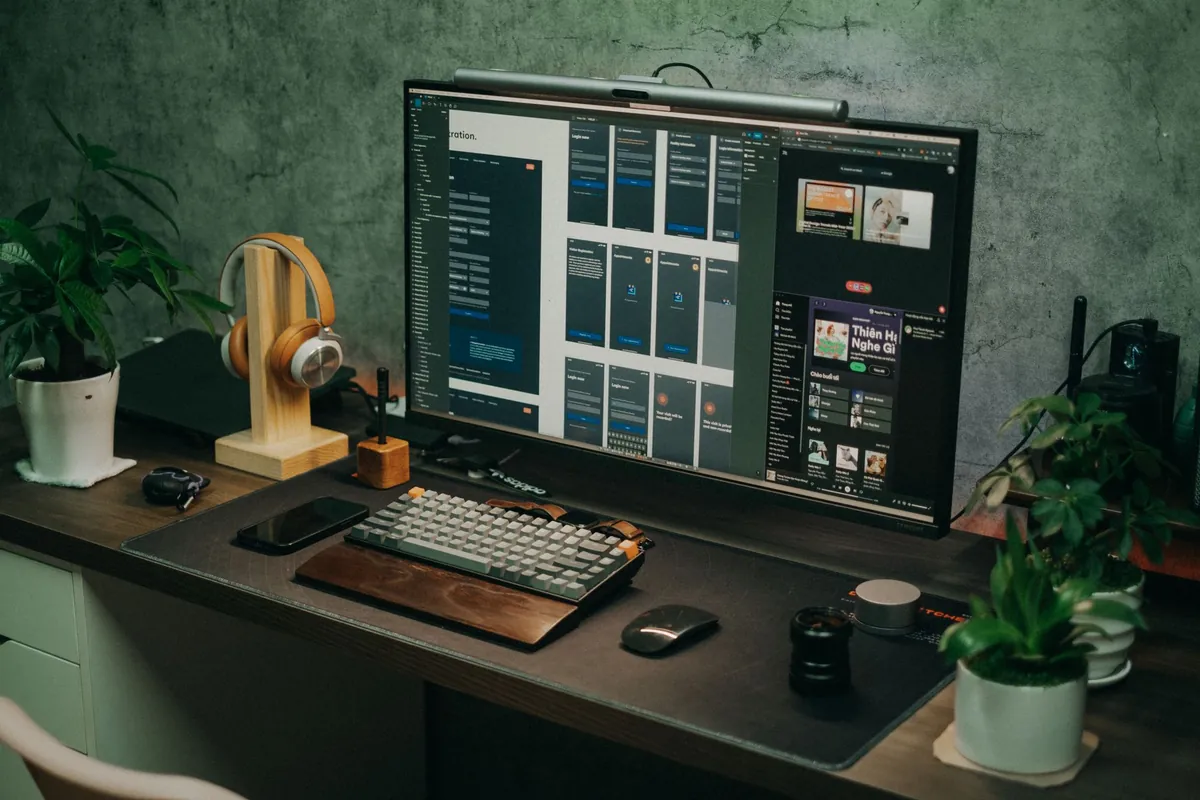
The best monitors in Malaysia right now
We haven’t tested these monitors ourselves. The picks weigh published specs, warranty and dead-pixel cover against today’s prices on official stores and big retailers.
| Monitor | Best for | Size / resolution / refresh | Price | Warranty |
|---|---|---|---|---|
| Samsung Essential S3 S30GD | Tight budget | 24”, 1080p, 100Hz | RM349 | Samsung 3 years |
| MSI MAG 275QF E20 | Gaming | 27”, 1440p, 200Hz | RM689 | 3 years |
| Dell 27 Plus QHD S2725DSM | Work | 27”, 1440p, 144Hz | RM739 | 3 years |
| Alienware AW2726DM | OLED gaming | 26.5”, 1440p, 240Hz | RM1,269 | 3 years incl. burn-in |
| Dell Pro 27 Plus P2725DE | One-cable laptop desk | 27”, 1440p, 100Hz, USB-C 90W | RM1,409 | 3 years |
| Dell UltraSharp U2725QE | MacBook and creative | 27”, 4K, 120Hz, Thunderbolt 140W | RM2,939 | 3 years |
Prices checked 19 November 2026: the Samsung on Harvey Norman Malaysia’s website (reduced from RM399), the MSI on MSI’s Malaysian online store, and the Dells and Alienware on Dell’s Malaysian online store. The S2725DSM is a deal price (normally RM919) that Dell lists until 31 January 2027, the U2725QE is reduced from RM3,029 until 3 December, and the AW2726DM is down from RM1,829. Sale prices end without notice, so check before you pay.
Work
Dell 27 Plus QHD S2725DSM
RM739
- Good for: spreadsheets side by side on a sharp 1440p screen with a height-adjustable stand
- Skip if: you want to charge your laptop through the monitor
Gaming
MSI MAG 275QF E20
RM689
- Good for: PC gaming at 1440p and up to 200Hz
- Skip if: you want the full 200Hz over HDMI (it does 144Hz there)
One cable
Dell Pro 27 Plus P2725DE
RM1,409
- Good for: plugging in one USB-C cable for screen, charging, USB and wired internet
- Skip if: your laptop's USB-C port doesn't carry video
MacBook
Dell UltraSharp U2725QE
RM2,939
- Good for: crisp 4K text on a Mac, with 140W charging over Thunderbolt
- Skip if: you only do email and browsing
Prices checked 19 Nov 2026 on Dell's and MSI's Malaysian online stores. They change often, so check before you buy.
How to choose a monitor in Malaysia
Three questions settle most of it: how far you sit from the screen, what refresh rate you need, and which cable you want to plug in.
What size monitor fits my desk?
Measure the depth of your desk first. A screen that’s too big for a shallow desk means turning your head all day. Sharpness depends on how many pixels are packed into each inch, so the same 1080p looks fine at 24 inches and soft at 27.
| Size and resolution | Pixels per inch | Desk depth | Good for |
|---|---|---|---|
| 24”, 1080p | 93 | About 60cm | Office work, a small room, tight budgets |
| 27”, 1080p | 82 | 70cm or more | Budget gaming; text looks soft up close |
| 27”, 1440p | 109 | 70cm or more | Work and gaming, the sweet spot |
| 27”, 4K | 163 | 70cm or more | MacBooks, photo editing, sharp text |
| 27”, 5K | 218 | 70cm or more | Mac users who want text like print |
Pixels per inch worked out from each screen’s resolution and size (23.8 inches for 24-inch models). The desk depths are our rule of thumb, not a standard.
What does 144Hz actually mean?
The refresh rate (Hz) is how many times a second the picture updates. At 60Hz it changes every 16.7 milliseconds; at 144Hz, every 6.9. You notice it when you scroll a long page or move your mouse: higher looks smoother. For games, your computer also has to produce that many frames per second, or the extra hertz go unused.
In plain words: 60Hz is fine for reading and spreadsheets, 100Hz to 144Hz is a pleasant upgrade for daily work, and 144Hz to 240Hz is for games. Past that, only competitive players with fast PCs will feel the difference.
Office monitor
- 60Hz to 144Hz is plenty
- Height-adjustable stand matters more than speed
- USB-C charging is worth paying for if you use a laptop
- Look for flicker-free and low blue light modes
Gaming monitor
- 144Hz or more, with your PC able to keep up
- 1440p at 27 inches is the sweet spot
- DisplayPort for the top refresh rate on a PC
- HDMI 2.1 if you play on a PS5
Best gaming monitors, and what about the PS5?
For PC gaming, the MSI MAG 275QF E20 at RM689 is the value pick: 27 inches, 1440p and up to 200Hz on a Rapid IPS panel, with a 3-year warranty, on MSI’s Malaysian online store. If you want even more speed for less, All IT Hypermarket listed the AOC Q27G42ZE (1440p, 260Hz) at RM569 on 19 November, and Harvey Norman had the 24-inch ASUS TUF Gaming VG249QM5A (1080p, 240Hz) at RM599.

OLED is the step up: deeper blacks and faster response. The Alienware AW2726DM (QD-OLED, 1440p, 240Hz) was RM1,269 on Dell’s Malaysian store, down from RM1,829, and its 3-year warranty includes burn-in. That last part matters, because static things like a taskbar can leave a faint mark on OLED over time. MSI and ASUS also list 3-year burn-in cover on their own OLED models. If a listing doesn’t say “burn-in”, ask.
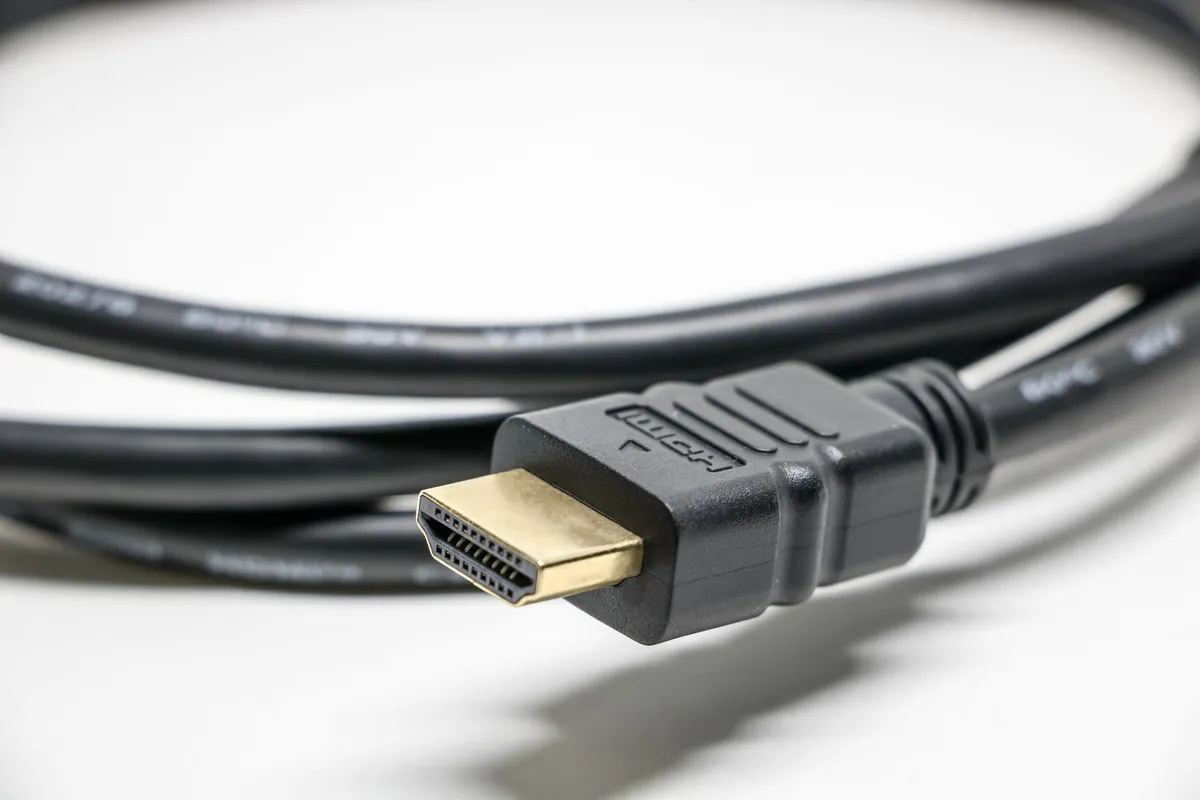
Consoles. Sony says the PS5 supports HDMI 2.1 and 4K at 120Hz, and tells you to use the display’s HDMI 2.1 port if it has one. It can also output 1440p at 60Hz or 120Hz on displays that support it. Many gaming monitors only reach their top refresh rate over DisplayPort, which a PS5 doesn’t have, so check the refresh rate over HDMI on the spec sheet. The Nintendo Switch 2 outputs up to 4K at 60fps on a TV, and 120fps when you pick 1080p or 1440p.
HDR on a cheap monitor is mostly a sticker. The VESA DisplayHDR 400 badge needs only 400 nits of peak brightness and no local dimming; DisplayHDR 600 and above require local dimming, which is what makes HDR look like HDR.
One-cable setups: are USB-C monitors worth it?
If you work on a laptop, yes. A USB-C monitor carries the picture, charges your laptop, and runs the monitor’s USB ports through one cable. Come home, plug in, done.
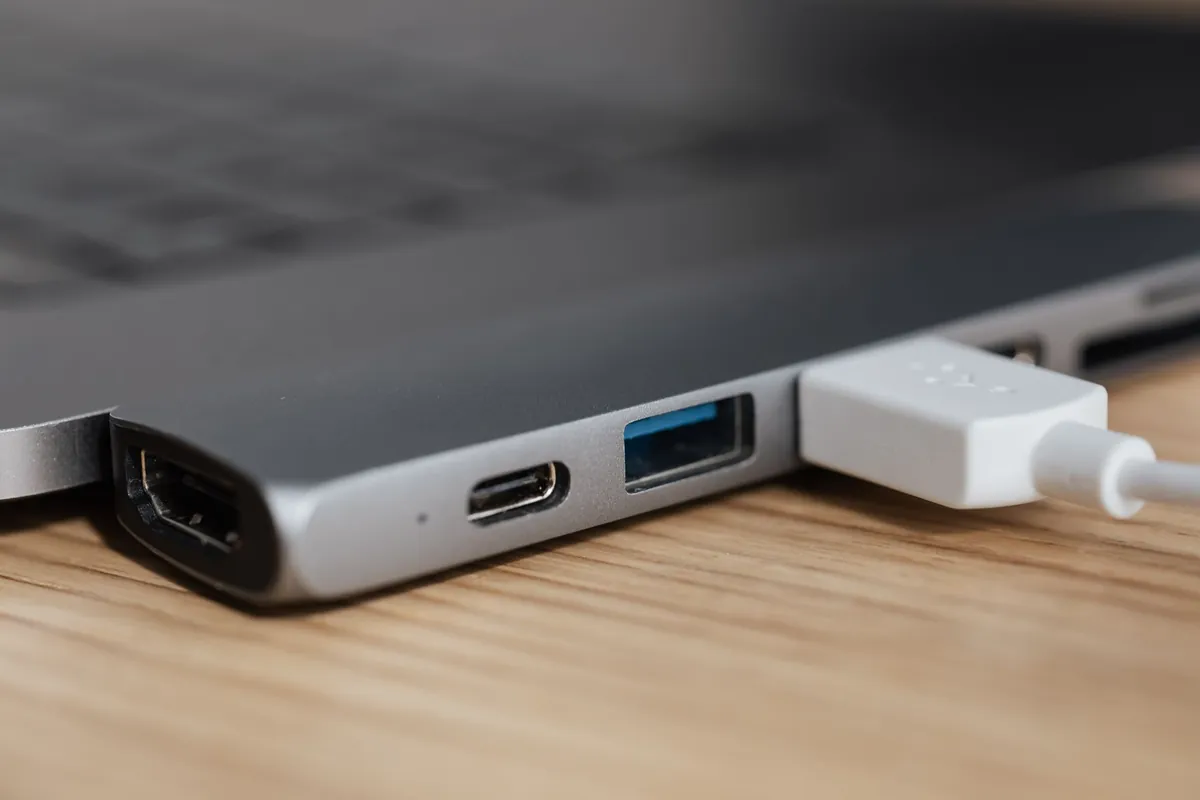
Match the wattage to your laptop’s charger. The Dell Pro 27 Plus P2725DE (RM1,409 on Dell’s product page, RM1,379 on its deals page when we checked) delivers up to 90W, which covers most work laptops, and adds a network port for wired internet. The ASUS ProArt PA279CRV (4K, 96W) was RM2,480 at Harvey Norman. For a big laptop that ships with a stronger charger, the Dell UltraSharp U2725QE delivers up to 140W over Thunderbolt.
One catch: not every USB-C port on a laptop carries video. Check your laptop’s spec sheet for “DisplayPort Alt Mode” or a Thunderbolt logo next to the port.
Best monitor for a MacBook
Macs make text look best on dense screens, which is why Apple’s own displays are 5K at 27 inches. You don’t have to go that far, but a 27-inch 4K screen looks noticeably crisper on a Mac than a 1440p one.
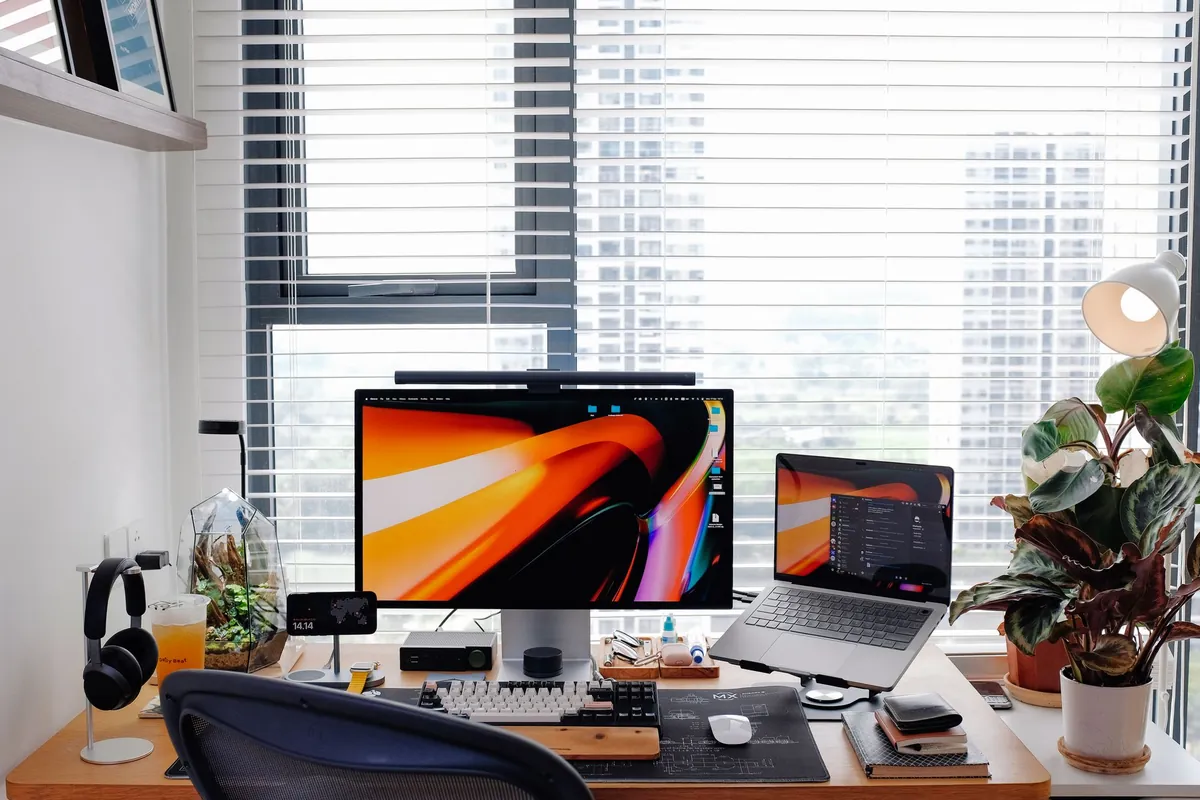
- Dell UltraSharp U2725QE, RM2,939. 4K at up to 120Hz, Thunderbolt with 140W charging, and Dell’s Premium Panel Exchange. Our Mac pick for most people.
- ASUS ProArt PA279CRV, RM2,480. 4K with 96W USB-C, aimed at colour work. ASUS’s warranty page promises zero bright dots on ProArt PA models for 36 months.
- Apple Studio Display, from RM6,499. 5K, Thunderbolt 5, 96W charging. That price is with the tilt stand; the height-adjustable stand makes it RM7,999. The new Studio Display XDR (5K, 120Hz, mini-LED) launched at RM13,499.
Check how many screens your Mac can drive. Apple says the MacBook Air with M5 supports up to two external displays. The MacBook Neo supports only one, at up to 4K 60Hz, and only through its USB 3 port: the other USB-C port can’t carry video at all.
Dead pixels and warranty: what each brand does in Malaysia
A dead or stuck pixel is a dot that stays black or stays lit. Every brand allows a few, and the rules differ more than you’d expect.
Here’s how the main brands compare, from their own warranty pages.
| Brand | Warranty | Dead-pixel rule | Time limit |
|---|---|---|---|
| Dell, Alienware | 3 years on the models above | Replaced for 1 bright pixel (Premium Panel Exchange); budget SE and E models allow up to 5 | Whole warranty |
| LG | 3 years | Up to 7 dead pixels is “within factory specification”; zero bright defect replacement | 7 working days |
| ViewSonic | 3 years | 20 inches and up: up to 5 allowed; 2 or more pixels exchanged 1 to 1 | 7 days |
| ASUS | 3 years | ProArt PA: zero bright dots; ROG Swift PG: zero bright dots in year one; others up to 3 bright and 5 dark | Varies by line |
| Samsung, AOC, BenQ, Acer, Xiaomi, MSI | 3 years | No monitor pixel rule published on their Malaysian pages | Ask the shop |
From each brand’s official warranty pages, checked 19 November 2026. Dell’s pixel rules and ASUS’s terms come from their regional and global pages; ASUS says its zero-bright-dot terms may vary by region. AOC’s Malaysian warranty card adds a 14-day dead-on-arrival exchange through the shop.
Since some quick-replacement windows are only 7 days, test the screen the day it arrives:
- Clean the screen. Dust looks a lot like a dead pixel. Wipe gently with a dry microfibre cloth.
- Show solid colours. Search for a full-screen colour test page and go through black, white, red, green and blue.
- Look closely. On black, look for dots that stay lit; on white, for dots that stay dark.
- Record it. Take a photo or video with the dot visible, plus your receipt or order number.
- Report the same day. Contact the seller and the brand's service centre in writing.
If a shop refuses to help with a clearly faulty monitor, the Consumer Protection Act 1999 gives you an implied guarantee that goods are of acceptable quality, which includes being free from minor defects, judged against the price and what the seller told you. The Tribunal for Consumer Claims hears claims of up to RM50,000 for a RM5 fee.

Where to buy and when it’s cheapest
Buy from the brand’s own store (Dell, MSI and Apple all sell online in Malaysia), a big chain like Harvey Norman or All IT Hypermarket, or the brand’s official store on Shopee or Lazada. Compare all three on the same day. Grey imports can be cheaper, but they may not get the Malaysian warranty, which is the thing you’ll need if a pixel dies in month eight. Our guide to spotting fake sellers shows how to check a shop really is the official store.
What your money gets you
Timing helps. Black Friday falls on 27 November and the 12.12 sale on 12 December. Dell’s current monitor promos run until 3 December and 31 January, so a deal you see today may still be there after payday. For every date ahead, keep our sale calendar open. Buying from overseas? Run the price through the import tax calculator first.
Screenshot this: before you pay for a monitor
- Size fits your desk depth (24 inches for about 60cm, 27 inches for 70cm or more)
- Refresh rate over the port you'll actually use (HDMI or DisplayPort)
- USB-C wattage matches your laptop charger, if you want one cable
- Malaysian warranty, and the brand's dead-pixel rule written down
- "Burn-in" mentioned in the warranty, if it's OLED
- Price compared with the brand's own store that day
Matching the laptop too? Our best laptops guide covers what to buy during the RAM crunch.
Still using an old ViewSonic or ASUS monitor?
If an old link brought you here looking for the ViewSonic VG2448 or the ASUS VS207DF, here’s where they stand.
- ViewSonic VG2448. Launched in January 2018, it’s a 24-inch-class (23.8-inch) IPS screen at 1920x1080 and 60Hz, with HDMI, DisplayPort and VGA, a USB hub, and a stand that raises, swivels and turns to portrait. That’s still a perfectly good office monitor. A USB-C to HDMI or DisplayPort cable connects it to most new laptops. Upgrade only if you want a higher refresh rate, a sharper 27-inch screen or one-cable charging.
- ASUS VS207DF. Sold as a 20-inch-class screen, it’s 19.5 inches with a TN panel at 1366x768 and 75Hz, and its only input is VGA. Most new laptops have no VGA port, so you’d need an active converter, and 1366x768 makes documents cramped. The Samsung Essential S3 at RM349 gives you 24 inches, 1080p and 100Hz with HDMI. Time to retire it.
Measure your desk, decide what you’ll do on the screen, and check every pixel on day one. The rest is just picking a price.
Frequently asked questions
What size monitor should I buy?
For most desks, 24 inches at 1080p or 27 inches at 1440p. A 24-inch screen suits a desk about 60cm deep; a 27-inch needs 70cm or more so you're not turning your head. For a MacBook, 27 inches at 4K or 5K keeps text sharp.
Is a 144Hz monitor worth it for office work?
It's a nice extra, not a must. A higher refresh rate makes scrolling and moving windows look smoother. Office monitors at 100Hz are now common at entry prices, such as the Samsung Essential S3 24-inch at RM349 at Harvey Norman on 19 November 2026, and the Dell 27 Plus QHD S2725DSM adds 144Hz at RM739 on Dell's Malaysian store.
What is the best monitor for a MacBook in Malaysia?
A 27-inch 4K monitor with USB-C or Thunderbolt charging is the sensible pick, for example the Dell UltraSharp U2725QE at RM2,939 on Dell's Malaysian store (prices checked 19 November 2026). Apple's own Studio Display is RM6,499 and gives sharper 5K text. Note that the MacBook Neo supports only one external display at up to 4K 60Hz.
Can a PS5 run at 120Hz on a computer monitor?
Yes, if the monitor can take it. Sony says the PS5 supports HDMI 2.1 and 4K 120Hz output, and tells you to use the display's HDMI 2.1 port if it has one. The PS5 can also output 1440p at 60Hz or 120Hz on displays that support it. Check the monitor's HDMI version and refresh rate over HDMI before buying.
My new monitor has a dead pixel. Can I get it replaced?
It depends on the brand and how fast you report it. Dell's Premium Panel Exchange replaces covered models for one bright pixel during the warranty. LG's zero bright defect rule applies only within 7 working days of purchase, and ViewSonic exchanges a monitor with 2 or more faulty pixels within 7 days. Check every new monitor on the day it arrives.
Do OLED monitors in Malaysia have a burn-in warranty?
Some do. The Alienware AW2726DM's 3-year warranty on Dell's Malaysian store includes OLED burn-in, MSI's Malaysian store lists a 3-year burn-in warranty on its QD-OLED monitors, and ASUS covers burn-in on its 3-year OLED models. Check the listing for the word burn-in before you pay.
Can I use my old ViewSonic VG2448 or ASUS VS207DF with a new laptop?
The ViewSonic VG2448 has HDMI and DisplayPort, so a USB-C to HDMI or DisplayPort cable connects it to most new laptops at 1080p 60Hz. The ASUS VS207DF has only a VGA port and a 1366x768 resolution, so it needs a converter and is worth replacing.
Sources
- Dell Malaysia: Monitor deals, S2725DSM, P2725DE and others (checked 19 Nov 2026)
- Dell Malaysia: Dell Pro 27 Plus QHD USB-C Hub Monitor P2725DE (checked 19 Nov 2026)
- Dell Malaysia: UltraSharp 27 4K Thunderbolt Hub Monitor U2725QE (checked 19 Nov 2026)
- Dell Malaysia: Alienware 27 240Hz QD-OLED AW2726DM (checked 19 Nov 2026)
- MSI Store Malaysia: MSI MAG 275QF E20 (checked 19 Nov 2026)
- Harvey Norman Malaysia: Monitors listing (checked 19 Nov 2026)
- Harvey Norman Malaysia: ASUS ProArt PA279CRV listing (checked 19 Nov 2026)
- All IT Hypermarket: AOC Q27G42ZE listing (checked 19 Nov 2026)
- Apple Malaysia: Buy Studio Display, prices (checked 19 Nov 2026)
- Apple Malaysia Newsroom: Apple introduces Studio Display XDR (March 2026)
- Apple Support: MacBook Air 13-inch (M5) technical specifications
- Apple Support: MacBook Neo technical specifications
- PlayStation Malaysia: PS5 4K resolution and 120Hz guide
- Nintendo: Nintendo Switch 2 tech specs
- Dell: Dell pixel guidelines and Premium Panel Exchange (APAC, modified 12 Oct 2026)
- LG Malaysia: Warranty terms and conditions
- ViewSonic Malaysia: LCD monitor warranty
- ASUS: Monitor warranty and pixel policy (global helpdesk page)
- Samsung Malaysia: Warranty information
- AOC Malaysia: Warranty information
- KPDN: Consumer Protection Act 1999 (Act 599), reprint as at 1 November 2021
- Tribunal for Consumer Claims Malaysia: Frequently asked questions
- ViewSonic: VG2448 specifications
- ASUS Malaysia: VS207DF tech specs
11street.my is an independent guide. We are not affiliated with Shopee, Lazada, TikTok Shop, Taobao, Pinduoduo or any other platform, nor with the former 11street Malaysia marketplace.